
In order to register a
guest/another person through your profile, please follow the steps below:
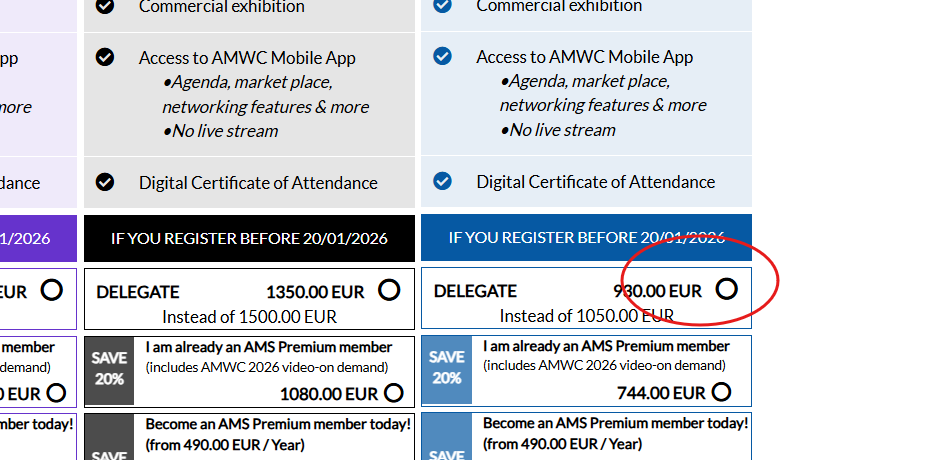
1. Log in to your personal account with your email and password* then select the pass you want (click on DELEGATE rate and not on the AMS Member rate):
2. Do not select
any membership for your guest, click directly on the yellow highlighted box
then click on “YES” and submit your choice:
3. Follow the
steps indicated below and you will arrive to this window where we ask you to provide the name of your guest (the passholder):
We hope this was helpful and we look forward to welcoming you at our event.